DIY Dynamic QR Codes
tldrIntro
I was wondering if I could create my own dynamic QR codes. So I did!
Dynamic QR codes are QR codes that can in effect change the page they link to! So the same QR code - that is already out living in the world, working hard, bringing people to some page - could in the future take people to a different page!
You might be thinking, how can you change a QR code after it's been printed!?
Spoiler:
You can't!Dynamic QR codes link to a page that redirects to a second page. The first webpage that the QR code has encoded within it cannot be changed, but the second page that gets redirected to can be changed!
This ability to change the page that shows up when a QR code link is followed is what makes the QR code dynamic.
This sleight of hand is less noticeable when the url in the QR code is indecipherable by humans (https://sho.rt/kYu12) but we can use the same principle for our own dynamic QR code. (Besides, who actually reads the text in a QR code anyway?)
Why
There're many sites that offer dynamic QR codes as a service, but I didn't want to sign up and/or pay for the privilege, so I made my own!
NOTE: I don't have access to server settings with Neocities so I can't make a server side 301 or 302 redirect (as far as I'm aware), so I'm using the HTML meta refresh redirect method to have a page on my site make the redirect with HTML. The server side redirect method is apparently the preferred method, but this is a simple alternative when you don't have server side control.
How To:
Make a page to do the redirecting. I'm using: wonderingartificer.neocities.org/qr0000
Place the following code in the html file for the page, replacing the url with the page you want to show up after the QR code link is followed.
<!DOCTYPE html>
  <html>
    <head>
      <meta http-equiv="refresh" content="0; url=https://xkcd.com">
    </head>
  </html>
Then, make a QR code with the url of the redirecting site you just made. Continuing my example, the following QR code says "https://wonderingartificer.neocities.org/qr0000".
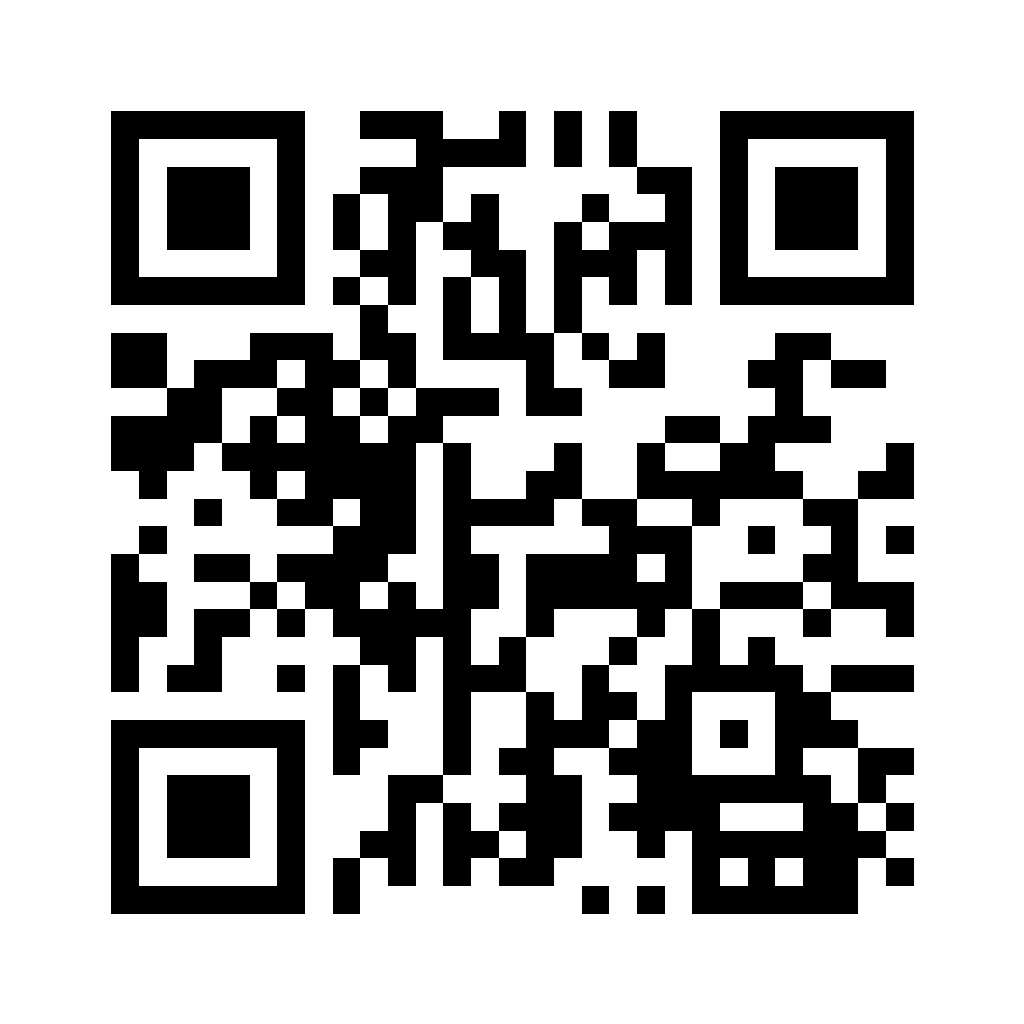
When scanned, the QR code preview will display the text of the page that does the redirecting: "https://wonderingartificer.neocities.org/qr0000", but when the link is followed, it will immediately redirect to the website that is in the HTML meta refresh tag. https://xkcd.com in my example.
So if I have this QR code printed out somewhere already, then I decide I don't want it to link to the xkcd web comic anymore, I just change the link in the html meta refresh code on the redirect page, and now the same QR code will go to that new page instead!